01 / 05
Real-time AI chat & web search
Ask complex questions, explore timely topics, and get helpful answers with links to sources when web search is used.
What’s happening in tech today?
One beautifully simple place to chat with AI, search the live web, capture meeting notes, and stay on top of your day.

How can I help you today?
Thoughtful productivity tools designed to move with you—from the first idea to the final action.
Ask complex questions, explore timely topics, and get helpful answers with links to sources when web search is used.
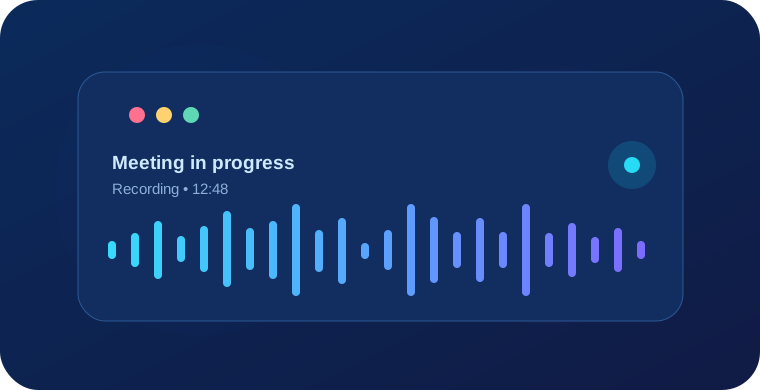
Record meetings, transcribe with AI, and turn conversations into decisions, action items, and concise summaries.
Capture ideas, pin what matters, and organize rich Markdown notes with customizable colors.
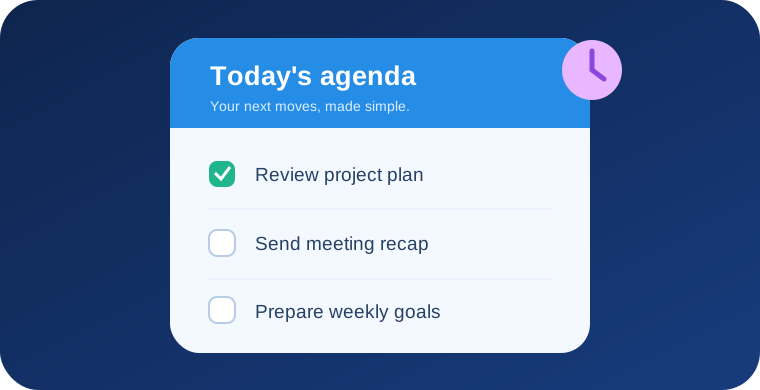
Stay on track with simple task checklists and timely local notifications, all in one focused workspace.
See today’s priorities, open notes instantly, and jump into your workflow from your Android home screen.
Whether you’re preparing for your next meeting or organizing your morning, AskWise keeps everything flowing naturally.
Get quick AI answers or search the web for timely information—with useful sources when available.
Record a meeting or a voice note and transform it into a structured, reviewable summary.
Save what matters to notes, check off tasks, and see your priorities on your home screen.
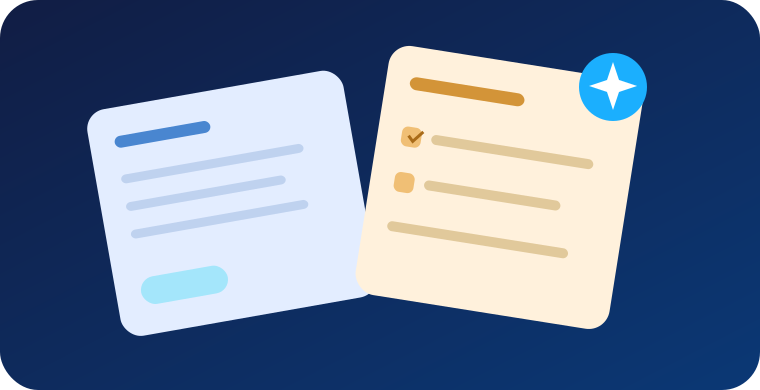
Your notes and agenda work together, making it easier to turn a thought into a plan and a plan into progress.

Your conversation history, notes, tasks, and original recordings live in your device’s private storage. Only content needed for the AI features you request is sent to relevant service providers.
How we handle your dataAll the essentials to get going, plus more headroom when you need it.
Actual prices appear in Google Play before you subscribe.
Essential tools for everyday productivity.
More room for the ideas that won’t stop.
Subscription availability and features may vary by version, region, and offer. Manage or cancel through Google Play. View subscription terms.
Everything you need to feel confident with AskWise.
Visit Help CenterWhen you ask about recent events, weather, or other time-sensitive topics, AskWise can look up live sources and show reference links alongside its answer. Availability depends on internet access and AI service capabilities.
Chats, recordings, notes, and tasks are stored in private app storage on your Android device. When you request AI answers or transcription, the content necessary to process that request is sent to OpenAI. See our Privacy Policy for details.
Yes. Start a recording while AskWise is visible; an active microphone foreground service may continue recording if you lock the screen or switch apps, subject to Android permissions and device restrictions. Make sure you have permission to record everyone involved.
Sign in to Google Play with the same Google account used for the subscription. In AskWise, open Settings and select Restore Purchases. If it still does not appear, contact support with your purchase order ID (not your payment card details).
Visit the Help & Support page or email chatpro@techtornix.com. We will help with app setup, subscriptions, recording, and privacy requests.

Chat, capture, organize, and get on with what matters.